HomeStart with the screen
The device guide
Start with the screen
you already have.
A brand name is only the beginning. The exact model, operating system, app and country determine the right setup.
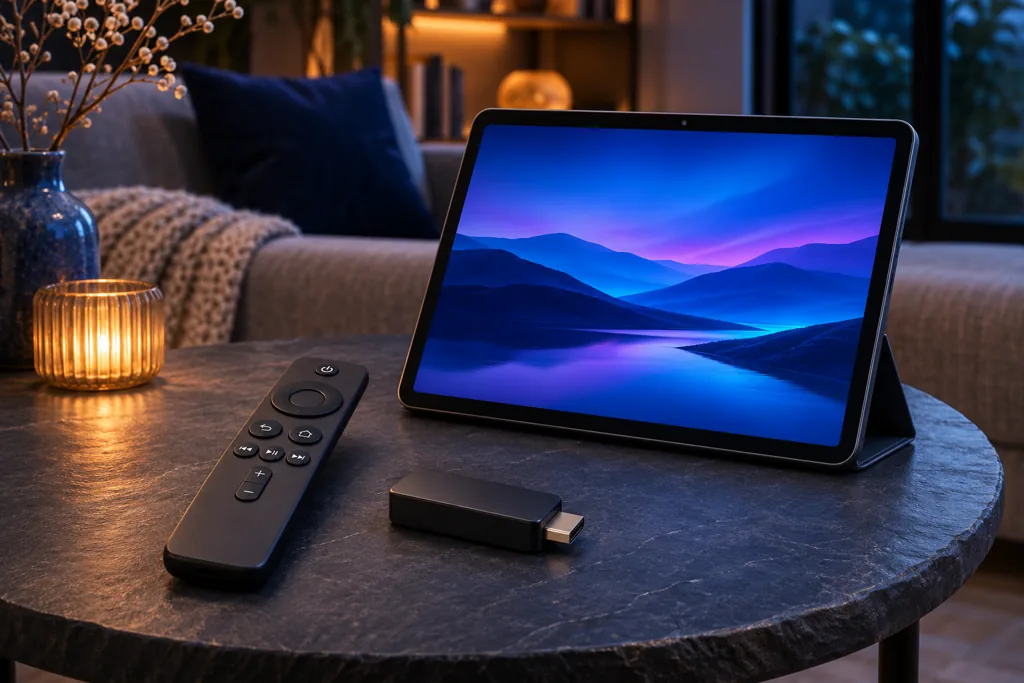
Find the model.
Check the app.
Then choose the plan.
Look in your device’s Settings or on its label for the model number. Send that information on WhatsApp. We will check the supported app and clarify any separate app charge before you order.
Check my deviceSmart TVs
Check the complete model number, software and regional app store. Two televisions from the same brand can offer different apps.
- Share the model and approximate year.
- Check the app on the TV itself.
- Ask whether a separate activation fee applies.
Fire TV devices
Identify the exact streaming device before following instructions. Models and software versions differ.
- Use appropriate power and current software.
- Confirm the supported app and source.
- Test your connection near the TV.
Google TV, phones & tablets
Confirm the operating system and available app. Phone support does not automatically mean the same app works on a television.
- Check the app store on the viewing device.
- Confirm the supported login method.
- Test the actual setup during your trial.